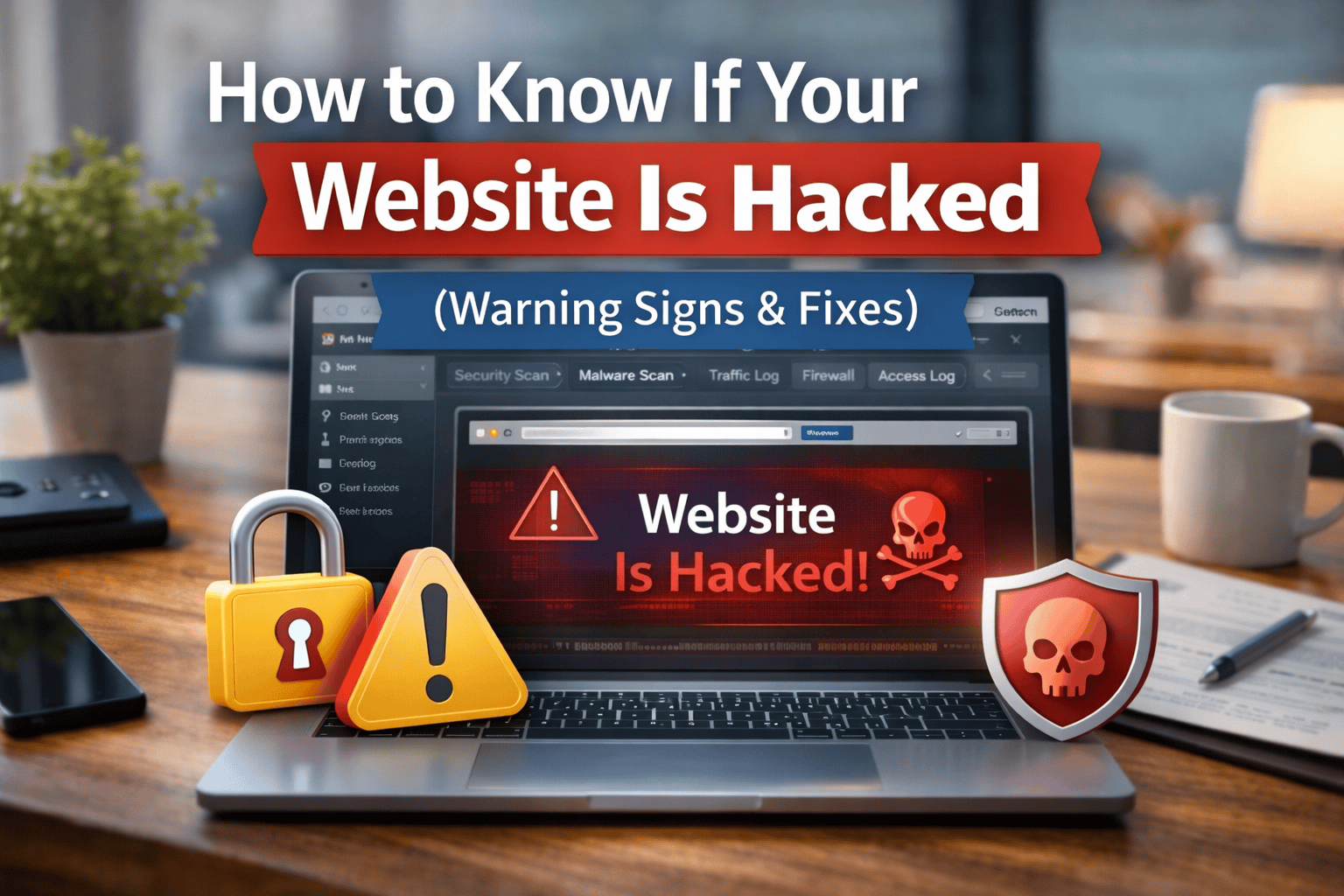
🔐 How to Know If Your Website Is Hacked (Warning Signs & Fixes)
Your website is one of the most valuable digital assets for your business. It helps customers find your services, learn about your brand, and contact you online. But like any digital system, websites can become targets for hackers.
A hacked website can damage your reputation, affect search rankings, and even cause financial loss. That’s why it is important to identify the warning signs early.
In this guide, we will explain how to know if your website is hacked, common warning signs, and what steps you should take to fix the problem.
🚨 Common Signs Your Website May Be Hacked
Hackers often leave noticeable traces on a website. If you notice any of the following issues, your website may be compromised.
⚠️ 1. Unexpected Website Redirects
One of the most common signs of a hacked website is automatic redirection to unknown websites.
Visitors may click on your website and suddenly be redirected to:
-
Spam websites
-
Gambling sites
-
Suspicious advertisements
-
Fake product pages
This usually happens when hackers inject malicious scripts into your website code.
📉 2. Sudden Drop in Website Traffic
If your website traffic suddenly drops without any clear reason, it may indicate a security issue.
Search engines like Google can detect hacked websites and may temporarily remove them from search results to protect users.
This can cause:
-
Lower search rankings
-
Reduced organic traffic
-
Loss of potential customers
⚠️ 3. Google Warning Messages
Google may display warnings such as:
-
“This site may be hacked”
-
“This site may harm your computer”
These warnings appear when Google detects malware or suspicious behavior on a website.
This is a serious issue that requires immediate action.
📝 4. Unauthorized Content Appears on Your Website
Hackers sometimes add spam pages or strange content to a website.
Examples include:
-
Hidden spam pages
-
Unknown blog posts
-
Links to suspicious websites
-
Random advertisements
These pages are often created to manipulate search engines.
🔑 5. Unable to Access Your Website Admin Panel
If you suddenly cannot log in to your website admin dashboard, hackers may have changed your credentials.
This often happens when attackers gain control of the website database or admin accounts.
🦠 6. Security Warnings from Your Hosting Provider
Many hosting companies monitor websites for suspicious activity.
If your hosting provider sends warnings about malware or unusual activity, it may indicate your website has been compromised.
🔍 Why Websites Get Hacked
Understanding the causes of website hacking can help you prevent future attacks.
Common reasons include:
-
Outdated plugins or software
-
Weak passwords
-
Vulnerable themes or extensions
-
Lack of security monitoring
-
Poor hosting security
Many attacks target WordPress websites with outdated plugins or themes.
🛠 How to Fix a Hacked Website
If you believe your website has been hacked, it is important to act quickly.
Here are the steps you should take.
🔒 1. Change All Passwords
Immediately update all important passwords including:
-
Website admin accounts
-
Hosting account
-
FTP accounts
-
Database access
Use strong and unique passwords.
🦠 2. Scan Your Website for Malware
Use security tools to detect malicious files and suspicious scripts.
Website security scanners can help identify:
-
Malware files
-
Hidden spam pages
-
Unauthorized code injections
🔄 3. Restore a Clean Backup
If you have a recent backup of your website, restoring it may remove the malicious changes.
Make sure the backup was created before the hack occurred.
🔐 4. Update Website Software
Always update:
-
CMS platforms like WordPress
-
Plugins and extensions
-
Website themes
Updates often include security patches that protect against known vulnerabilities.
🛡 5. Strengthen Website Security
Once your website is cleaned, you should add stronger protection measures.
These may include:
-
Web application firewalls
-
Malware monitoring
-
Login protection
-
Security plugins
-
Regular backups
Strong security reduces the risk of future attacks.
📊 How to Prevent Website Hacking
Preventing attacks is easier than fixing them. Businesses should implement proactive security practices.
Important prevention strategies include:
-
Keep software updated
-
Use strong passwords
-
Install security plugins
-
Enable website firewalls
-
Monitor website activity
-
Perform regular backups
These steps help protect your website from common cyber threats.
🏁 Conclusion
Website hacking is a serious issue that can affect your business reputation, search rankings, and customer trust. Recognizing the warning signs early can help prevent major damage.
If you notice unusual website behavior such as redirects, traffic drops, or unknown content, your website may have been compromised.
Taking quick action and improving website security can restore your website and protect it from future attacks.
🔐 Need Help Fixing a Hacked Website?
At Ozonetechno, we provide professional website security and malware removal services to protect businesses from cyber threats.
Our security services include:
-
Malware removal
-
Hacked website recovery
-
Website security monitoring
-
Vulnerability protection
👉 Contact us today to secure your website and keep your business safe online.